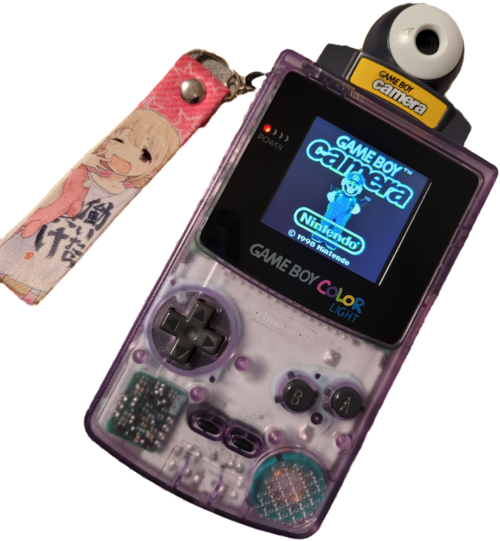
- June 08, 2026 — Playing with photo modes
- A photoshoot with Jougasaki Mika and pals. I try to figure out all of the different photo modes, some of which are exceptionally useless.
- June 07, 2026
- Test gallery after making the tool.
Gallery

Tools
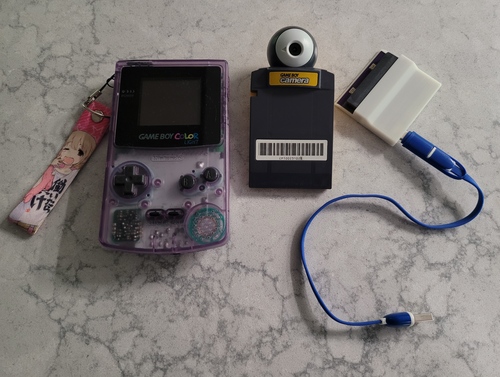
Joey Jr.
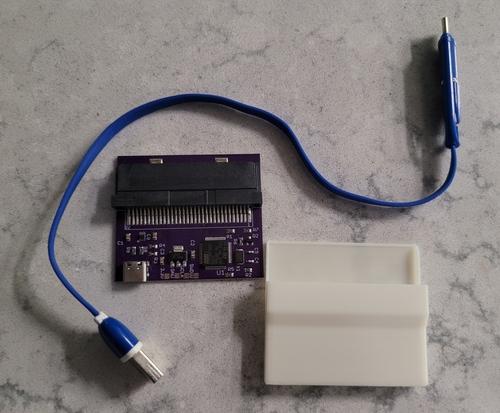
- Repo — GB Camera Tool
-
This is a simple Makefile-driven repo that converts all of the photos from my GameBoy Camera to png and generates an html gallery for the images. The process is fairly simple. First, copy all of the files from the camera to the _RAW directory. Then run
make albumfrom the root directory. This will create copies of all of the *.bmp files as *.png and move these to a new directory in src/ with today's date (multiple transfers per day are handled by appending an integer suffix). It will also create gallery.html in that directory, with the png files embedded into an html image gallery.
I want to use this to take more photos with the GameBoy Camera, and I've been meaning to do so for a long time. Since the html is auto generated, it should be straightforward to move the photos to a different site (like this one!) with not-so-much pain.06.07.2026
- Delete all Images
-
This will clear all of your images from the GameBoy Camera at once. It will not delete all of your save data.
- From the main menu, hit select.
- Enter the "Edit" menu (the bottom option on this menu).
- Ignore the dog and choose Album.
- The page should say "delete which photo?" at the top. Press select+start+up and the game will ask you "delete all photos?", to which you of course select yes.
Workflow
Tips & Tricks Magazine
Copying (or even cutting) the files from the GameBoy Camera through the Joey Jr. does not seem to delete the photos from the game. You'll need to delete the photos from inside the GameBoy Camera, and the best way to do this is fairly obscure.